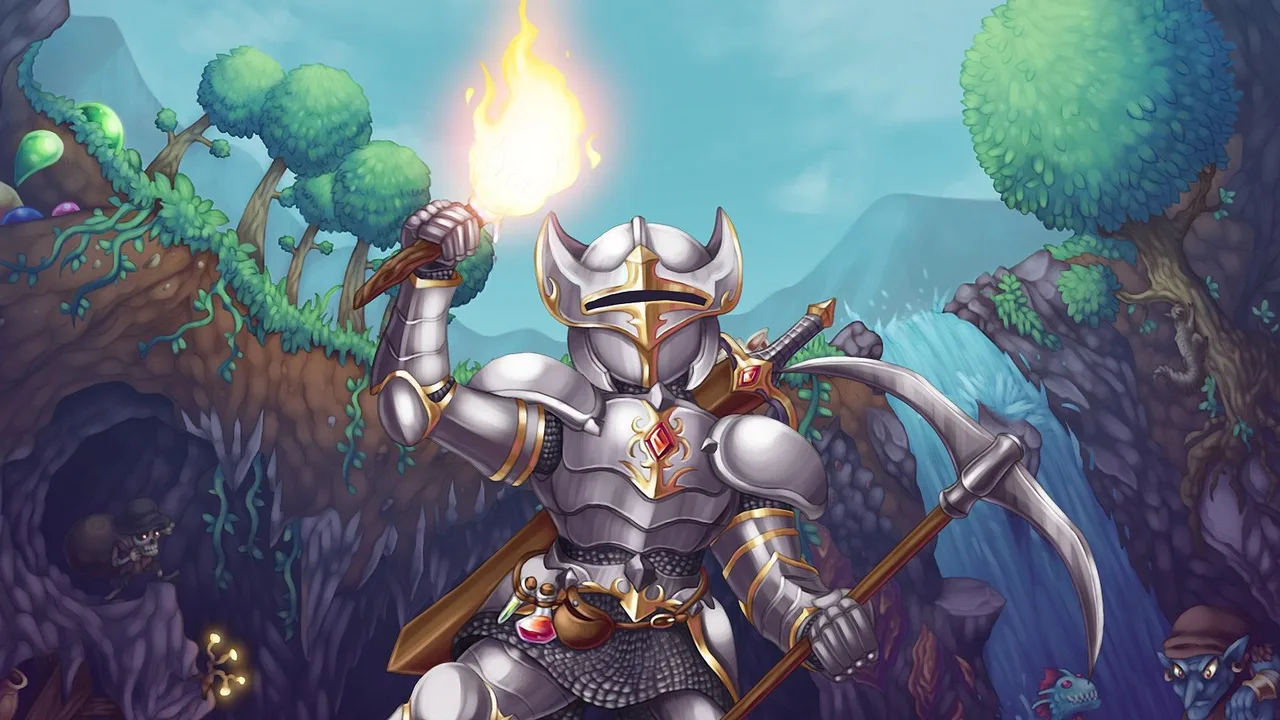
Definitive 2D sandbox exploration guide for Terraria Mobile MOD APK God Mode Free Crafting Full Game Unlocked. Developed by Re-Logic and published by 505 Games, this verified release unlocks god mode invincibility, universal free crafting, unlimited item duplication, infinite flight duration, and the full game license running rootless on Android 5.0 through Android 15.
Terraria Mobile MOD APK 2D Sandbox Mastery & Endgame Boss Progression Guide
Official Store / Developer Source: Google Play Store 505 Games Developer Page

📲 Step-by-Step Safe Sideloading Walkthrough & Android/data Permissions
Installing Terraria Mobile MOD APK on modern Android releases is swift and requires no complex recovery flashing. Follow these verified steps:
- Download the Verified APK: Tap the download button above to retrieve the authenticated Terraria APK package directly to your phone.
- Enable Installation from Unknown Sources: Go to
Settings > Apps > Special App Access > Install Unknown Apps. Select your browser or file manager and enable Allow from this source. - Install the Application: Locate the
terraria-mobile-mod-apk.apkfile in your Downloads folder and tap Install. - Launch & Initialize World Generation: Open the game from your home screen. The license bypass will authenticate automatically. Select Single Player, create your custom character, generate your first world, and enjoy free crafting immediately.
🔧 Performance Tuning & High Refresh Rate Configuration
To maintain a locked 60 FPS or 120 FPS frame rate on Android devices during intense celestial pillar battles, utilize these optimizations:
1. Optimizing Video & Lighting Presets
Inside In-Game Settings > Video, change the Lighting preset from 'Color' to 'White' or 'Retro'. Color lighting calculates dynamic colored light rays through transparent blocks, which can heat up mobile chipsets during long sessions. Setting lighting to White preserves smooth 60 FPS action with zero thermal throttling.
2. Managing Storage Permissions on Android 11 through 15
Modern Android versions restrict direct access to /Android/data/ folders via scoped storage. To export or back up your world saves, use specialized file managers like ZArchiver or connect your device to a PC via USB to copy your .wld and .plr files directly.